
How to Search Cases by Name
Start with the official North Carolina eCourts Portal. Smart Search is the tool for a Harnett County case lookup by name. Enter the party as Last, First. Portal requires at least one basic search term before the advanced controls will respond. Because results pull from every Odyssey county, set the location to Harnett. That single filter keeps a Harnett matter from drowning in a statewide docket list.
No account is needed. Anonymous users can search and view public Harnett court records right away. The county's local Portal explanation opens more doors too. It covers searches by record number, citation number, attorney, business name, cross-reference number, and even a nickname. A voluntary account adds one perk. It lets you save Harnett cases under My Cases. It still will not unlock restricted Harnett material for ordinary public users.
- Open Smart Search in the Portal for the Harnett case.
- Enter the Harnett party as last name, then first name.
- Choose Harnett under Location when a name could return statewide matches.
- Use a Harnett case type or status only after the basic name has been entered.
- Open the underlined Harnett record number for the Register of Actions.
| Field | Type | Required | Harnett use |
|---|---|---|---|
| Record Number or Name | Text | Yes | Enter a Harnett number or Last, First. |
| Advanced Filter Options | Expandable control | No | It cannot run a Harnett query by itself. |
| Location | Dropdown | No | Select Harnett to narrow Odyssey results. |
| Case Type or Status | Dropdown | No | Use only when the basic search is too broad. |
Harnett County Case Lookup Smart Search
Smart Search is not a separate Harnett vendor database. It is simply the front door to the Odyssey system, which makes it the Harnett County case lookup entry point. The Harnett Clerk of Superior Court describes what Portal can display: publicly available case information, records and documents, hearings, and qualifying online payment information. The Advanced Filter Options then narrow the field. Search Type, Location, party criteria, case type, and case status all cut the noise. That matters when one broad name would otherwise return a long statewide list.
The Harnett Clerk's Portal page is the official local description of these services. It reflects the public-access channel a Harnett County case lookup runs through.
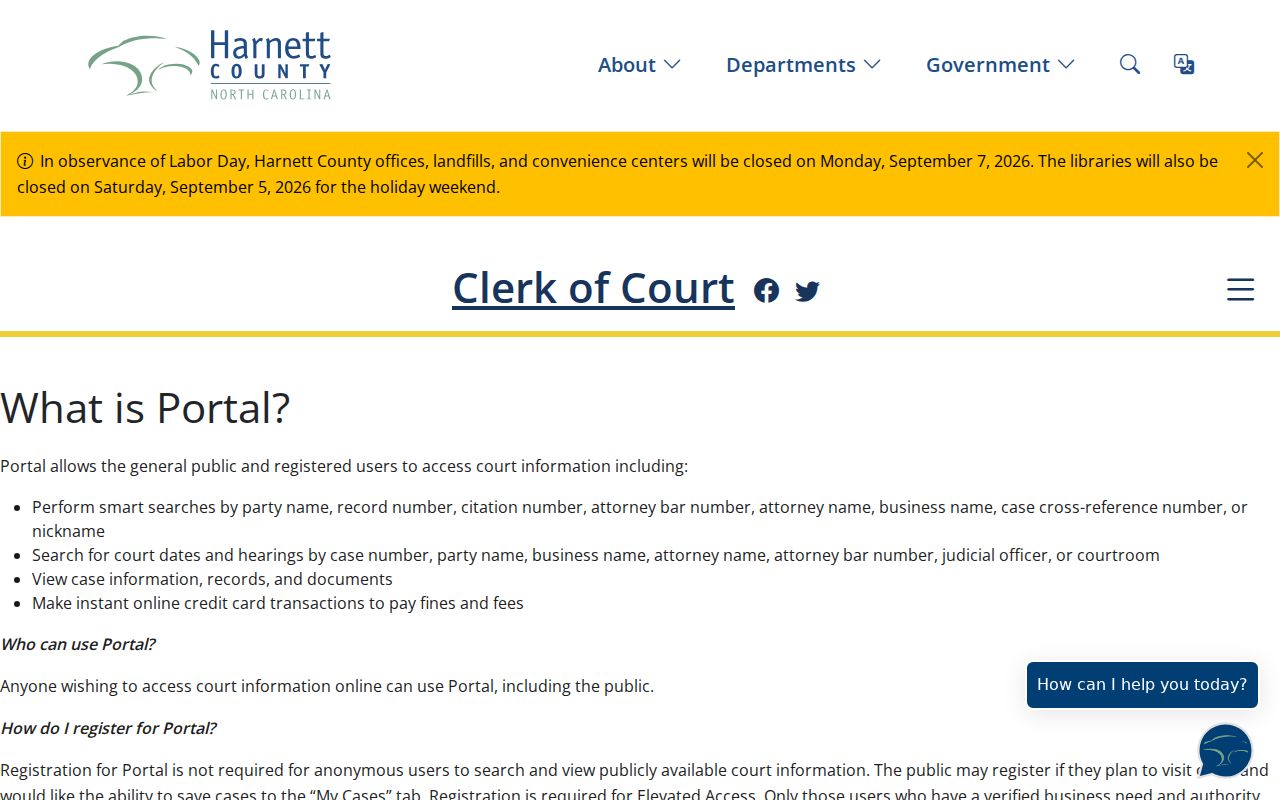
Need a hearing date rather than a full case file? The Portal's separate Search Hearings function handles that. It asks for a Harnett location or courtroom. It also wants a hearing type, a search type, and a date range. Keep that in mind. A hearing result answers a different question than a case result.
How to Search by Case Number
A full record number is the fastest Harnett County case lookup tool. Type it into Smart Search's Record Number or Name box. Then select the underlined result. The state guide shows an Odyssey-style example, 01CR123456-100, but no Harnett-specific universal prefix is published. So do not try to rebuild a number from a pattern. Copy the exact Harnett number. Take it from a court notice, citation, prior order, or an earlier Portal result.
Traffic matters get their own route. Citation Number works as an Advanced Search Type. Enter the number printed on the ticket. Set Harnett as the location filter to cut statewide noise. The ticket itself is the format to follow. If a search returns nothing, recheck the digits. Recheck the county too, before assuming the case is absent.
Harnett County Case Lookup Result Limits
Portal stops at 200 results. Hit that cap and the query is too broad, not complete. Portal has not shown every possible Harnett match. Narrow the search instead of rerunning it. Set Harnett as the location, pick a case type or status, or make the name more exact. Common surnames hit the cap fastest, which is why a focused Harnett County case lookup beats repeated broad sweeps.
Spelling doubts have a fix. Official guidance allows an asterisk after the known first part of a name. For companies, choose Business Name under Advanced Filter Options. If a business name contains a comma, put the wildcard in place of the comma and leave off the rest. Date-of-birth results mask the month and day, leaving only the year, so filtering still works while sensitive identifiers stay protected.
Search result tip: A no-match result can reflect a Harnett format error, an incorrect county, a non-Odyssey record, a case that does not exist, or a restricted file. Narrow the Harnett search before drawing a conclusion.
What a Case Search Shows
Click an underlined record number and Portal opens the Register of Actions. Call it the Case Summary; both names point to the same official case view. The record number, party query, case type, status, and location all sit in context there. The menu can also list causes of action. That applies to certain civil, family, probate, or mental-health matters. Hearings and financial information appear only when those sections contain data.
Judgment Search is a different animal. It works as a reference index showing index date, time, county, and current status. It answers quick questions, not deep ones. The official guide sends readers back to Smart Search and the Register. Complete case detail lives there. So does the most current disposition or financial information.
| Record number | The exact case identifier used to reopen the Register of Actions. |
|---|---|
| Case type | A classification such as Civil General, Civil Magistrate, criminal, infraction, domestic, or special proceeding. |
| Case status | A procedural label, including Pending, Appealed, Reopened, Stayed, Unserved, or a listed disposition. |
| Hearings | A scheduled-event section shown when data exists. |
| Financial information | A case section shown when data exists; it is more current than the separate judgment index. |
County vs Statewide Case Search
The Portal pulls double duty here. It is the statewide Odyssey system. Yet it also serves as Harnett's main online case lookup. Set the location filter to Harnett and the results stay local. Leave it open, and a case from another participating county may still appear. Harnett offers no separate case-search product of its own. The same Portal links the statewide layer to the Clerk's unified record system for the county docket.
| Search approach | Best use | Useful control |
|---|---|---|
| Portal with Harnett location | Known local case, hearing, or citation | Location plus record number or name |
| Portal without location | Possible Odyssey matter in another county | Name or record number, then refine |
| Harnett Clerk channel | Certified copy, older file, or a record not available online | Exact record number and responsible unit |
Need a document behind the Register of Deeds rather than a case overview? The Clerk still holds the original Harnett court file. A matching Portal result can hand you the case number you need for a Harnett County court record search.
Harnett County Case Lookup Kiosk
Online access is not the only way to run a Harnett County case lookup. Harnett was an early eCourts kiosk county. The courthouse kiosk supports Portal, File & Serve, and Guide & File, along with scanning and printing. It works well as a fallback. Use it to search the court docket, print a public item, or reach the right clerk unit during business hours. You will find the Harnett County Courthouse at 301 W. Cornelius Harnett Boulevard, Suite 100, Lillington, NC 27546. The Clerk's main line is 910-814-4600. Free inquiry-only criminal name searches run at the public terminal, the Clerk confirms. Printing at the kiosk costs the clerk copy rate plus a published kiosk transaction fee. So for one certified item, a clerk request may cost less.
Restricted Cases and Access Rules
Portal access stops at the public line. Sealed or confidential records, sensitive documents, and ordinary access to juvenile material stay out of view, and some juvenile and protective-order matters require elevated access. The Harnett Clerk grants that access only for a verified business need backed by statute; it is neither a paid public tier nor a door into a protected file. G.S. 7B-3000 limits public inspection of juvenile court records. Expunged court records are confidential under G.S. 15A-151, with only narrow statutory disclosure channels. The general public-access rule in G.S. 7A-109 stays subject to those limits.
Note: If a Harnett case you expect does not appear, fix the search format and confirm the county. Then contact the Clerk rather than assuming public access exists.
Harnett County Case Lookup No-Result Steps
Restart with the exact name order or record number. Then select Harnett under Location. Add a case type or status only if it tightens the query. The record should be there but is not. The next stop is the Clerk, not the statewide NCAOC public-record request form. NCAOC says plainly that it is not the custodian of county case documents.
Harnett's clerk units route a file question to the right desk. Call Civil at 910-814-4632. Criminal is 910-814-4588, Estates and Special Proceedings 910-814-4640, and Cashier and Bookkeeping 910-814-4555. The official Clerk contact directory lists those local channels. When you call or visit, bring the record number. Add the case type and any hearing date from the Portal result.