
Searching Harnett County Civil Dockets
Two tools do most of the work in Harnett. Smart Search finds the civil record. The Register of Actions then shows how the case moves through the courts. One clerk serves all of it. Harnett's unified Clerk of Superior Court holds the records for civil work in both the Superior and District Court divisions, plus magistrate civil matters. The civil desk at the clerk's office can route a file question. Just give it the record number and case type. The North Carolina eCourts Portal is the first stop for any Harnett civil lookup. In Smart Search, enter a record number or a party name in Last, First order. Then click the underlined record number in the results. That opens the Register of Actions, the Portal's official name for the Case Summary.
The Portal is not the only route. The Harnett Clerk contact directory lists the civil desk at 910-814-4632. Need a public file review, an older item, or a clerk-prepared copy? Go to the clerk counter at the Harnett County Courthouse, 301 W. Cornelius Harnett Boulevard, Suite 100, Lillington. The courthouse also has an eCourts kiosk. It lets you use Portal on site, print, scan, and reach the right clerk unit.
- Enter a record number or party name in Portal Smart Search.
- Add the Harnett Location filter after the basic criterion if a statewide result list is too broad.
- Open the underlined record number and read the Register of Actions, including available Causes of Action and Hearings sections.
- Use the case type, status, and location details to identify the Harnett civil route.
- Call the civil desk or visit the clerk for a filed document, an inspection request, or a certified copy.
Harnett Civil General and Magistrate Filters
Filters matter in Harnett civil searching. Portal's Case Type control splits civil work into categories before you chase the wrong court route. The list includes Civil General, Civil Magistrate, Civil Foreclosure (CV), Civil Foreclosure (M), Confession of Judgment, Non-Domestic Restraining Orders, Summary Ejectment, civil domestic matters, domestic-violence protection orders, and other domestic filings. These are more than labels. They tell you whether a Harnett case sits in Superior Court, District Court, before a magistrate as a small claim, or in a domestic proceeding. Picking the category early saves a wrong turn.
| Portal field | How it narrows Harnett civil results |
|---|---|
| Record Number or Name | Required starting point for a case-number or party search. |
| Location | Choose Harnett after the basic search to narrow statewide Odyssey results. |
| Case Type | Choose Civil General, Civil Magistrate, foreclosure, Summary Ejectment, domestic, or another supported category. |
| Case Status | Use Pending, Appealed, Trial De Novo, Transferred to Superior Court, or a listed disposition when useful. |
| Party criteria | Portal can use party details and a date-of-birth range; public results mask the month and day. |
The Judicial Branch civil overall caseload activity report tracks county civil activity, small claims, estates, and special proceedings. It is the official reporting route for that statewide picture.
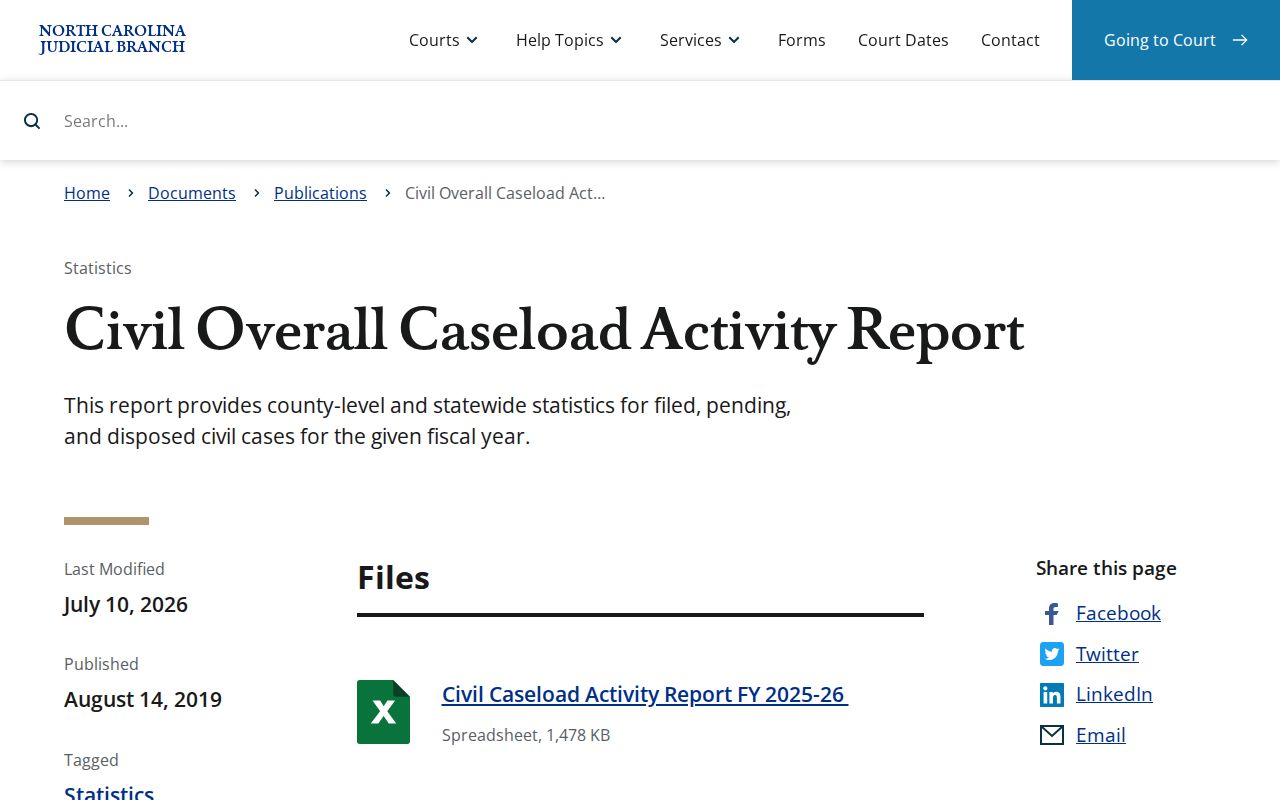
That report adds context about the kinds of Harnett civil records the clerk holds. It will not turn one Portal result into a countywide count, so read it as background rather than a tally.
Inside a Harnett County Civil Docket
The Register of Actions is not the full case file. Portal shows the chronological case summary and public documents. But the filed papers behind a Harnett civil matter may still need review at the clerk's office. A civil Register can display several sections. These include a Causes of Action section, Hearings, Financial Information, and dispositions when those fields exist. One quirk throws people off. A birth date shown as year only is a privacy feature. It does not mean your docket search failed.
| Record number | The Portal locator used to open the Harnett civil Case Summary. |
|---|---|
| Causes of Action | A civil, family, or probate category section that appears where applicable. |
| Hearings | Scheduled events when the case has hearing data; use Search Hearings for a focused date lookup. |
| Financial Information | Shown when present and more useful for current case detail than the separate judgment index. |
| Disposition | Outcome information such as a clerk disposition, dismissal, final judgment, trial result, or voluntary dismissal. |
| Public documents | Available only when public; sensitive, confidential, and sealed material is not ordinary Portal access. |
Harnett Civil Judgment Search Limits
Portal's Judgment Search is a reference index, nothing more. The official guide lists what the index supplies. That is an index date, time, county, and current status. It then points users back to Smart Search and the Register of Actions for complete case detail and the most current disposition or financial information. Watch the dollar figure in the index. It may reflect the original date rather than the current amount on the case. So open the Register first. Review the Financial Information and disposition sections. Then call the civil clerk when you need a current clerk record or a certified document. The Harnett Clerk explanation of Portal confirms this. The public may search case information and documents without registration. A judgment index is never a substitute for the case Register or clerk confirmation.
Civil Case Types on the Docket
Harnett's civil docket is not one big Superior Court list. Case type decides which court layer handles a matter. The schedule or clerk route follows from it. Portal's categories surface that split before you assume every civil record follows the same path. General civil work spreads across Superior and District Court. Magistrates, meanwhile, handle small claims, summary ejectment, certain civil claims, and related initial process. Knowing the layer helps you read the docket correctly.
| Harnett civil category | Record and court-path clue |
|---|---|
| Civil General | General civil category that can lead to Superior or District Court work within statutory jurisdiction. |
| Civil Magistrate | Magistrate route for small claims and related civil matters. |
| Summary Ejectment | A separate Portal civil-magistrate category; its local appeal path can appear in the Register. |
| Foreclosure | Portal distinguishes Civil Foreclosure (CV) and Civil Foreclosure (M). |
| Domestic matters | Portal separates civil domestic categories and domestic-violence protection orders. |
Every Harnett category stays inside the unified clerk system. Still, bring the record number, case type, and court assignment, since they help the civil desk locate the correct file and calendar path.
Harnett Civil Small Claims Under $10,000
An appeal can move a Harnett magistrate case into a new court setting. The record is still a Harnett civil docket entry. The original magistrate events stay part of the case history.
Harnett's published clerk material sets the threshold. A party may ask for a magistrate when the amount in controversy is $10,000 or less. A magistrate's decision does not always close the docket path. The Portal may later show a Small Claims Appeal or Trial De Novo status. That status points to a new-trial appeal route. It does not mean the lower-court record is missing. Read that status alongside the Register and the court assignment before drawing conclusions.
The Harnett local rules collection has two relevant items. One is an administrative order on calendaring summary-ejectment and small-claims appeals. The other is an Order Small Claim Appeal to District Court. Those papers help explain why a Harnett civil record can shift from a magistrate path onto a District Court schedule. The case file itself stays with the Harnett Clerk of Superior Court. Trial De Novo marks an appeal route. It does not mean the earlier magistrate events disappeared.
Civil Docket Settings and Hearings
Always check a Harnett civil setting against the Harnett Register, not just the calendar stream.
Settings here are case-specific, while the county's schedule page serves as the published calendar channel. Portal Search Hearings takes several query types. You can search by case number, party name, business name, attorney name, judicial officer, or courtroom. A date range is required. The Harnett local administrative schedules publish civil and domestic date streams. Other District and Superior Court calendars appear there too.
A calendar line is not a ruling. The hearing may have moved, or an order may have issued since it posted. Check the Register of Actions for the current hearing row and any order. The Harnett local rules page adds Superior civil case-management material and a Domestic Calendar Request. Civil calendaring here runs on more than one track. Know the record number? A case-date question can also go through Harnett County court dates.
Harnett Civil Desk and File Inspection
Harnett file inspection and Portal viewing are two complementary routes into public civil information. Each has its own reach.
Portal access and file access are not the same thing. The Judicial Branch states that civil, special proceeding, and estate information can be viewed at public self-service terminals in the clerk office of the county where the case sits. Harnett staff can make copies for the statutory fee. A sensible Harnett sequence: pull the record number and case type from Portal. Identify the filed item you need. Then call the civil desk or visit the clerk counter to ask about it.
Never send a Harnett court-file request to the county public-information office. The county routes court-related material to the Clerk of Court. The Judicial Branch notes that the statewide NCAOC public-record request form is not for local case documents. The Harnett kiosk is another in-person tool supporting Portal, printing, scanning, and official applications. Staff decide which copy or certification is available. They set the total cost for the item requested.
Civil Docket Access Rules
Public inspection in Harnett starts with a case search or a clerk-counter request. It is always subject to statutory limits.
G.S. 7A-109 generally opens clerk records to public inspection unless a law says otherwise. For Harnett, that means Portal or the clerk office. The statute does not unlock confidential or sensitive documents through an ordinary search. Juvenile material follows separate confidentiality rules, and expunged records are confidential under state law. A Portal view, moreover, is not a clerk-certified document.
Harnett civil-record access:
G.S. 7A-109 provides the public-inspection rule for clerk records unless another law limits access.
G.S. 7A-308 sets clerk copy, certificate, exemplification, and record-search fees.
G.S. 7B-3000 restricts juvenile-record inspection except as law or court order permits.
North Carolina's court-record inspection statute is the official source for the public-access rule that governs Harnett clerk records.
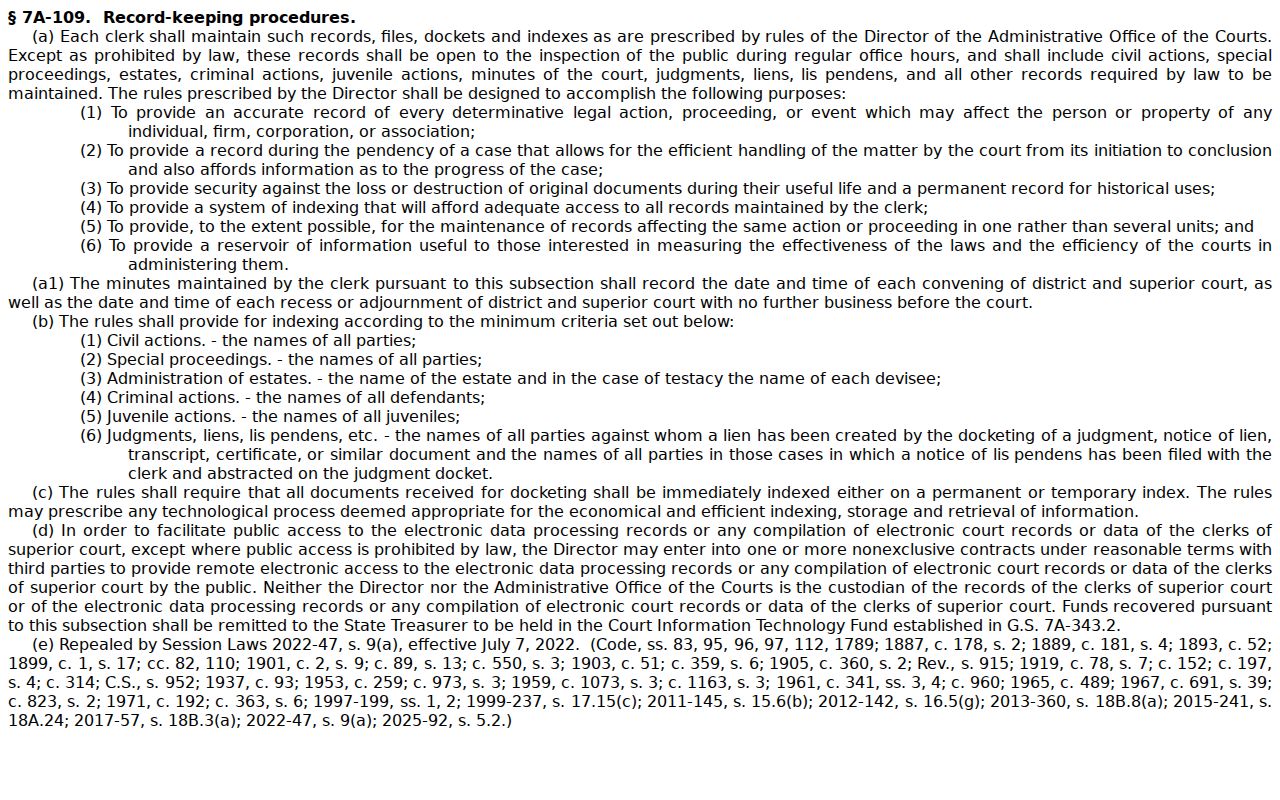
The statute frames the general right of public inspection. The Harnett clerk and Portal then apply the separate limits attached to a particular civil record or document.
Harnett Civil Dockets and Federal Cases
A Harnett state civil case stays in the Harnett Portal. A federal matter may run in parallel. The two systems never merge. Even so, the case record does not cross between them.
A federal civil filing simply is not part of the Harnett state-court Portal. The U.S. District Court for the Eastern District of North Carolina runs electronic filing and case management through CM/ECF. PACER handles public electronic access. Harnett state civil records remain with the Harnett Clerk and the North Carolina eCourts Portal. Keeping the channels straight keeps you from searching the wrong record source.
The Eastern District's CM/ECF information describes the federal docket system, including its public-terminal access.
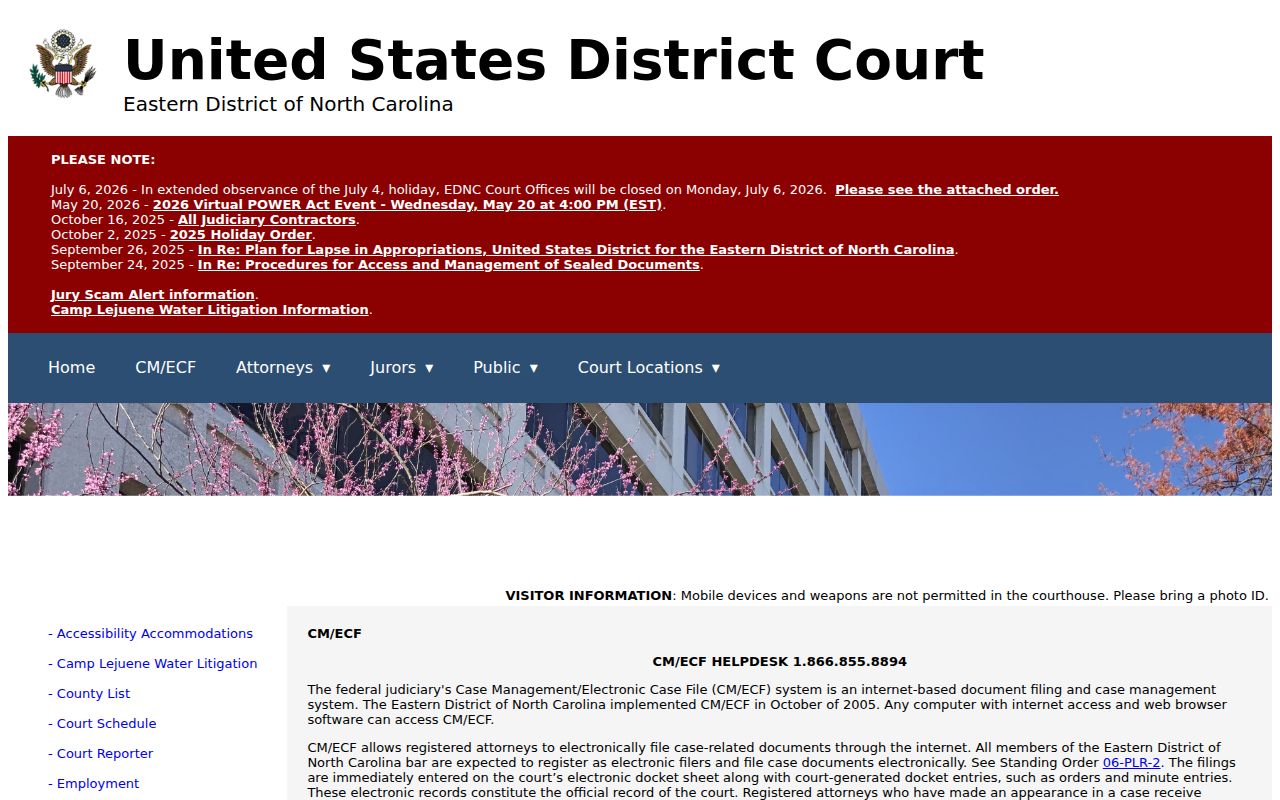
Federal electronic filing is its own channel, so an empty Harnett Portal result says nothing about whether a federal case exists.
CM/ECF registration ties to filing privileges, while public remote docket access runs through PACER. The Eastern District registration information spells out that distinction.
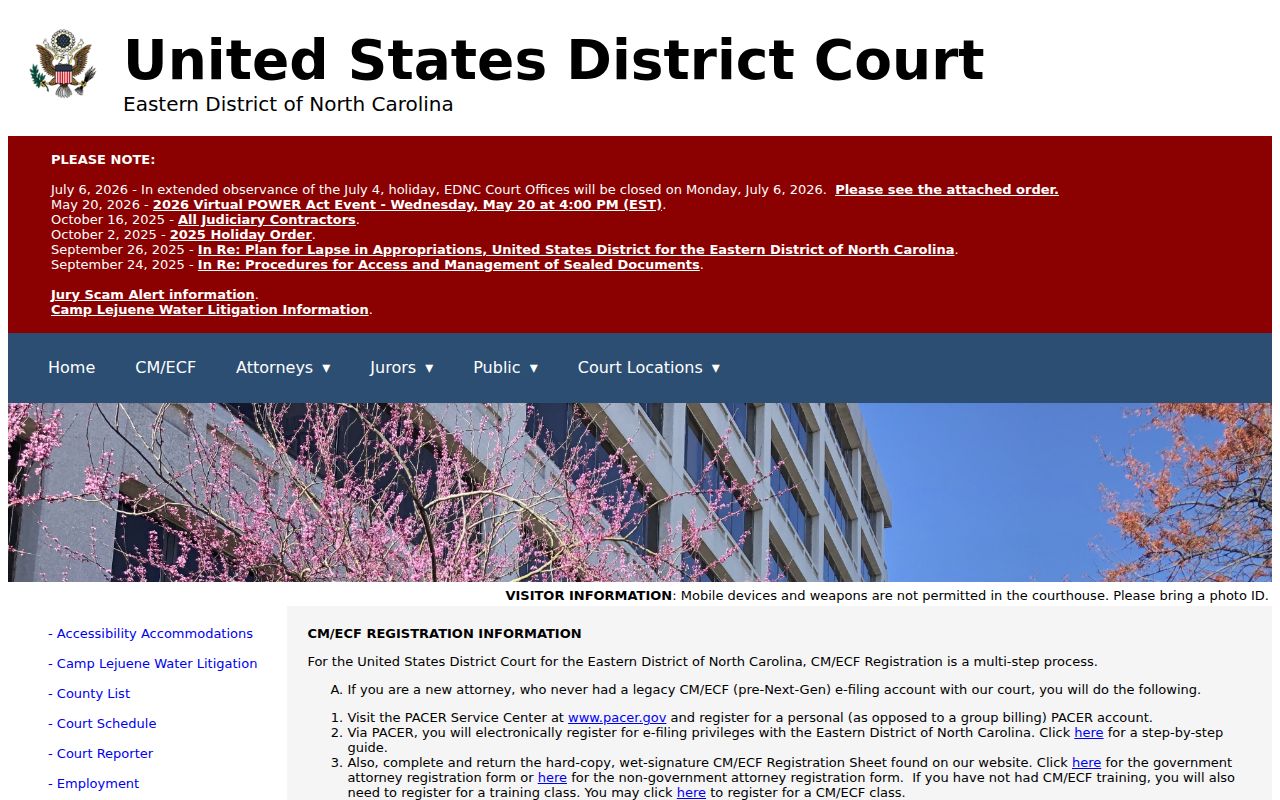
The federal-state split matters before you chase a file or a hearing date. Confirm the court name and case source first, then search the system that actually holds the record.