
Harnett County Court Calendars Explained
Harnett County runs a layered calendar system. The eCourts portal offers Search Hearings for a lookup tied to one case, and the Harnett local administrative schedules page is where the county's published court calendars live. That page breaks out Superior Criminal administrative, trial, and probation calendars, batched civil and criminal Superior calendars, and District 12 date lists. A calendar finds the session. The case Register and the current hearing row tell you what is actually set in a Harnett case.
District 12's Harnett list covers Civil Non-Domestic, Civil Domestic Violence, Criminal Domestic Violence, Disposition Court, domestic motions and trials, DSS, DWI, holidays and no-court days, IV-D, juvenile, People's Court, probation cause, probation violation, and Veterans Court dates. Each stream is distinct. Treat them as separate dockets, not interchangeable labels. Check the calendar again close to your setting. A published date list cannot replace a current case entry or a courtroom instruction from the clerk.
Harnett Courtroom Hearing Search
Use Search Hearings on the portal. Turn to it when you need a Harnett court date for one case or courtroom. The tool asks for a location, courtroom, hearing type, search type, and date range. Searching works by case number, party name, business name, attorney name, attorney bar number, judicial officer, or courtroom. Pick Harnett as the location. Then enter the exact case number. Or fill in the name fields that match your chosen search type.
| Search Hearings field | Harnett court-date use |
|---|---|
| Location | Choose Harnett to narrow the statewide Odyssey list. |
| Courtroom | Select the specific courtroom required by the official workflow. |
| Hearing Type | Use the available selection; the official guide does not publish a full Harnett-only list. |
| Search Type | Select case number, party, business, attorney, judicial officer, or courtroom. |
| Date From and Date To | Enter the required date range before submitting the Harnett hearing search. |
A same-day courtroom search can return a call list. Ask the courtroom clerk first how cases will be called, the official guide suggests. Then use the sort arrows on the returned columns. If nothing comes back, the cause may be a name or number format issue, a non-Odyssey county, no matching case, or a restricted record. The assigned courtroom clerk still has the final word on how Harnett cases are called.
Finding Your Court Date
When a Harnett court date really matters, use more than one channel. Start online with portal Search Hearings and the case Register. The published Harnett schedule page adds session context. If the entry stays unclear, call the courtroom. Or call the Harnett Clerk of Superior Court. In-person help is available at the Lillington clerk counter or an eCourts kiosk. The main clerk line is 910-814-4600. The local contact directory lists the criminal and civil desks separately.
- Search Portal by record number or name, and open the case Register of Actions.
- Run Search Hearings with Harnett selected and the necessary courtroom, hearing type, and date range.
- Check the current Harnett schedule page for the named calendar stream or session.
- Ask the courtroom clerk or court coordinator how the session is called if a courtroom list is involved.
- Call the Harnett clerk, or use the Lillington counter and kiosk, before the date when the Portal and schedule do not settle the question.
The Harnett courthouse at 301 W. Cornelius Harnett Boulevard, Suite 100, Lillington, is the main clerk-counter location. Sessions assigned elsewhere may sit at the Dunn Court Annex, a second Judicial Branch site. For published calendars, the schedule page is the county's route, and Harnett posts no local text or email reminder program.
Harnett 2026 Court Calendar Menu
Harnett's current calendar publication goes well beyond a plain criminal and civil list. The 2026 District 12 Master Calendar splits out civil, criminal, DWI, Veterans Court, juvenile, domestic, IV-D, and probation streams. Superior Court material separates administrative, trial, and probation calendars. That structure rewards a searcher who reads the label first. Not every date is the same kind of appearance. Harnett's local administrative schedules is the official source for the published Superior and District Court calendar menu. The 2026 menu appears on that page.
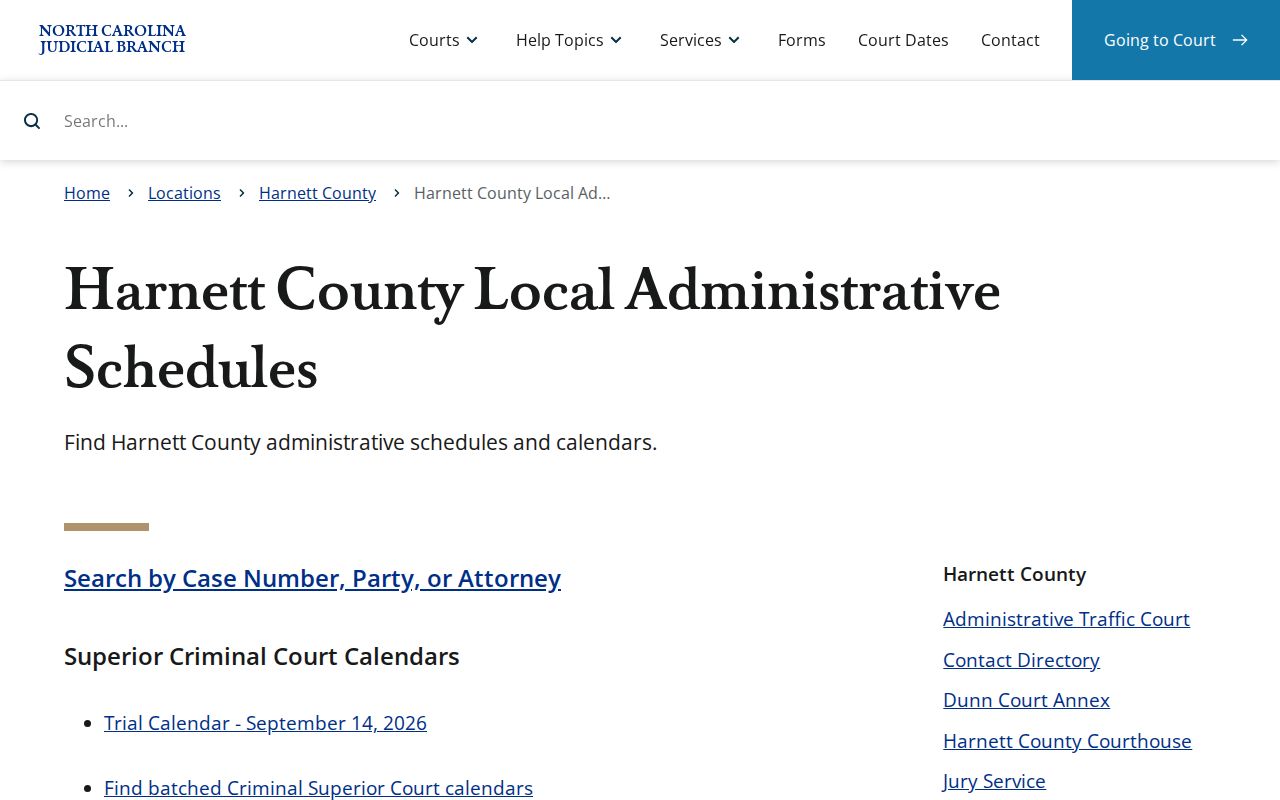
The menu gives a countywide view of sessions. Portal supplies the case-level hearing details that confirm an individual Harnett setting.
How to Read a Court Setting
Read a Harnett court setting as a set of fields, not just a date. Search Hearings can show a location or courtroom. It can also show hearing type, search target, and required date range. The Register of Actions may also list current hearing information when populated. A judicial officer or courtroom label places the event. The setting type tells you its role. If a calendar PDF and the current Register disagree, compare them before relying on either.
| Date | The scheduled Harnett calendar date returned by the hearing search or shown in the current case record. |
|---|---|
| Time | Read any time displayed with the hearing row; historic migrated events can require separate interpretation. |
| Courtroom | The selected location within the Search Hearings workflow and a key source of call-list information. |
| Judicial officer | A searchable Portal selection that can help locate a setting when it is the chosen search type. |
| Setting type | The hearing category or calendar stream, such as administrative, trial, probation, domestic, DWI, or Disposition Court. |
Harnett Administrative Traffic Court Dates
Harnett's Administrative Traffic Court, also called Disposition Court, is a distinctive local setting. It runs at the Harnett County Courthouse from 9:00 a.m. to 4:00 p.m. on the scheduled date. You may appear any time in that window. It is not a trial. The issuing officer will not be there. To contest a citation and plead not guilty, you or your counsel must appear. That gets a future trial date, set for a day when the officer is scheduled. The Harnett Administrative Traffic Court page spells out the local disposition procedure and attendance window.
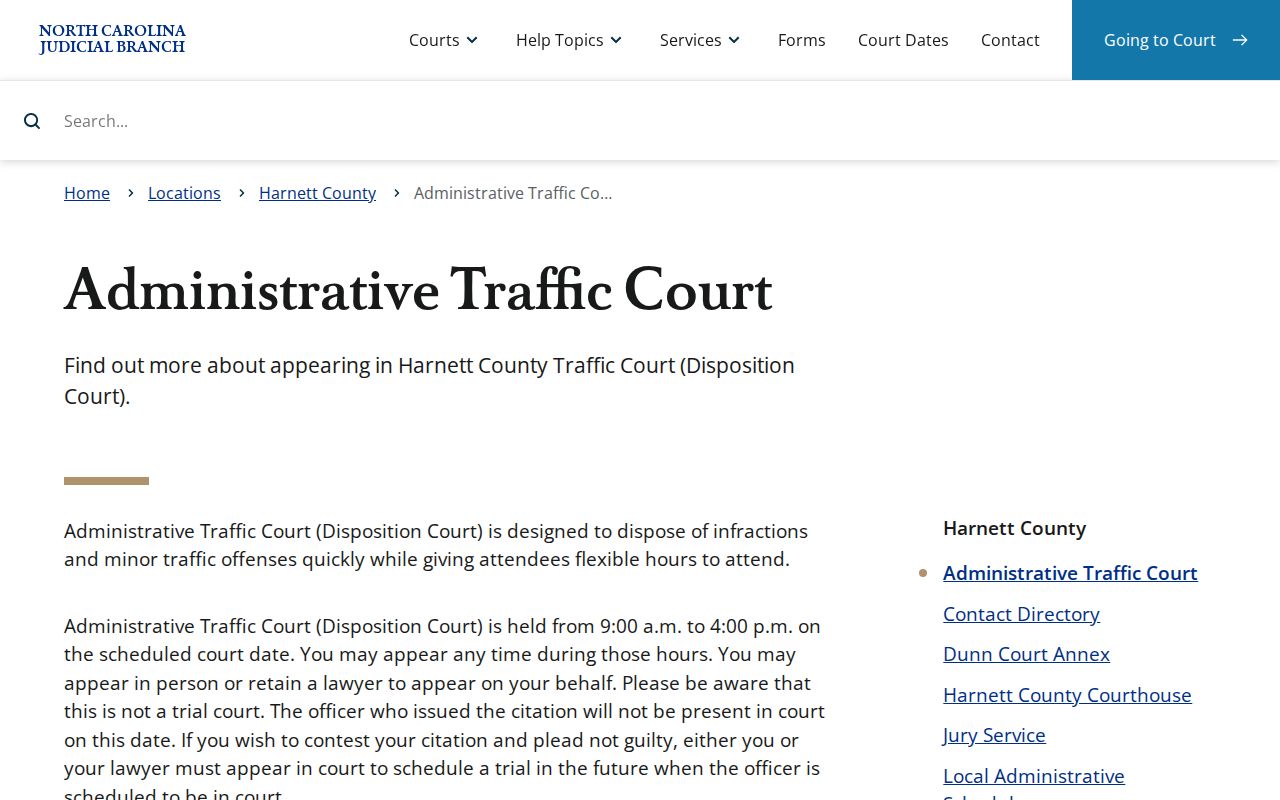
That attendance window is what separates a Harnett disposition setting from the later trial date a contested citation can earn.
Continuances, Resets, and Cancellations
Before calling a Harnett hearing date canceled, look for something current. A reset rests on a live hearing row or a signed order. An old calendar listing alone will not carry that weight.
Remember what a continuance actually is: a moved setting, never a dismissal. North Carolina traffic guidance is blunt about it. There is no guarantee a judge will grant one. To confirm a reset, check for a new Portal hearing row, a fresh Register of Actions entry, or an order. An older calendar PDF can still show the session context, but the current case record wins when the two disagree.
Harnett's local rules and forms include a "Motion And Order To Strike Called & Failed, Recall Order For Arrest And Reset Case On A Trial Calendar." That long title names a request a party can file, not an automatic outcome. Read the case's pending status, hearing row, and any order side by side. Only then treat the Harnett date as truly off the docket.
Harnett Court Date Confirmation Chain
One screen is never enough. A Harnett court date can look shaky. Work a confirmation chain instead of trusting a single display or a printed calendar gathering dust. Open with Portal Search Hearings or the case Register. Then pull up the county schedule page for the calendar stream. After that, call the courtroom clerk, the court coordinator, or the Harnett clerk office. Still stuck? The Lillington counter and kiosk are the last stop. That is where a case goes when it refuses to resolve online.
The Harnett Judicial Branch contact directory lists every courthouse and clerk channel you need. Use it for confirming a court date by phone or in person. That official page gathers the numbers and offices in one place.
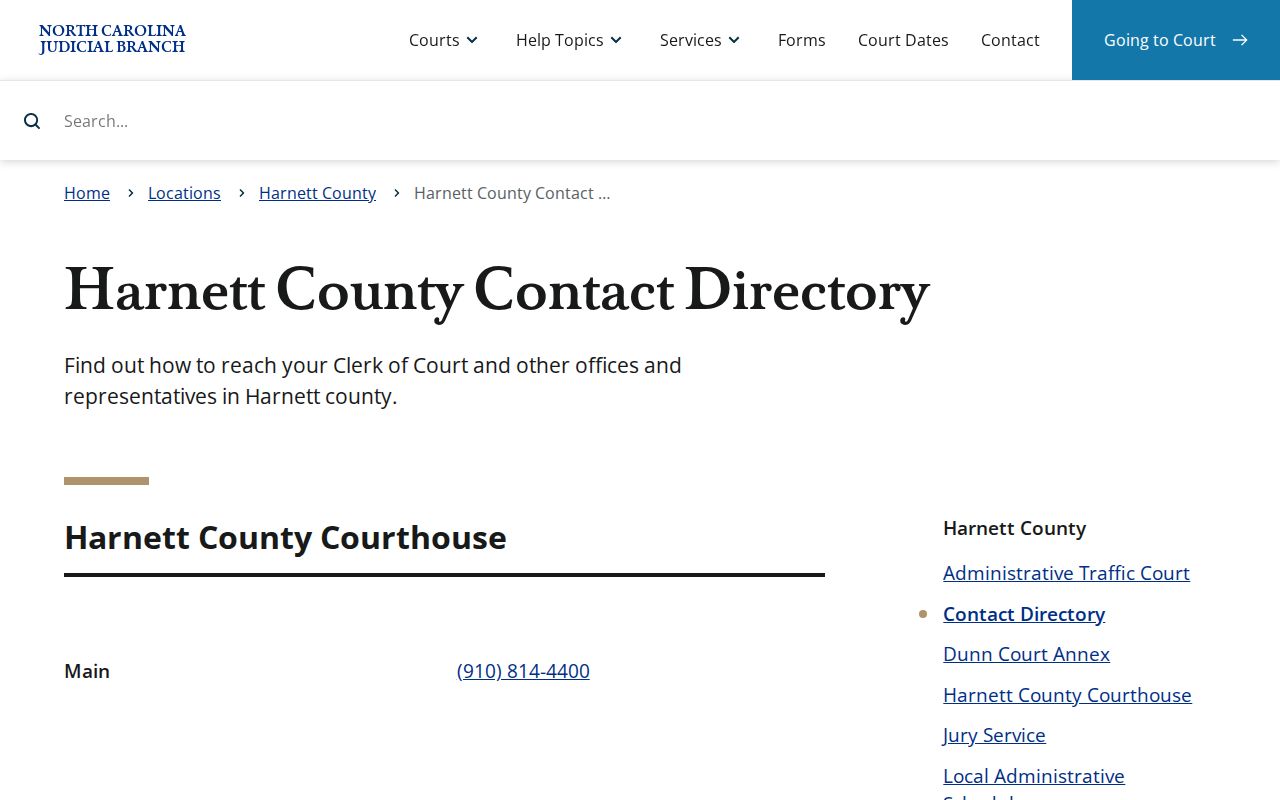
Calling through the local directory after a Portal check keeps your question with the Harnett courtroom or clerk. That office holds the current record, so it can settle a doubtful hearing date.
If You Miss a Court Setting
Missed a Harnett setting? Check the Register first, before you contact anyone about the case.
Speed matters after a missed court date. The local called-and-failed form lets you ask the court to strike the failure, recall an order for arrest, and reset the case on a trial calendar. Filing it guarantees nothing, though. Reach the Harnett clerk or the right courtroom before the next scheduled date. Use the current Register. It pins down the case number and the exact setting you missed. On a traffic charge, know whether your date was Disposition Court or a contested trial date. The two work very differently.
Missed Harnett court setting: A missed setting can be marked called and failed and may lead to an FTA, arrest process, or bond consequences.
For traffic matters, the court reports a failure to appear to NCDMV after 20 days; resolution may be needed before an indefinite suspension ends.
Harnett's reset-and-recall form identifies a possible request for judicial action, not an automatic new court date.
North Carolina traffic-violation guidance lays out the waiver, appearance, missed-date, and payment rules that govern a Harnett traffic case.
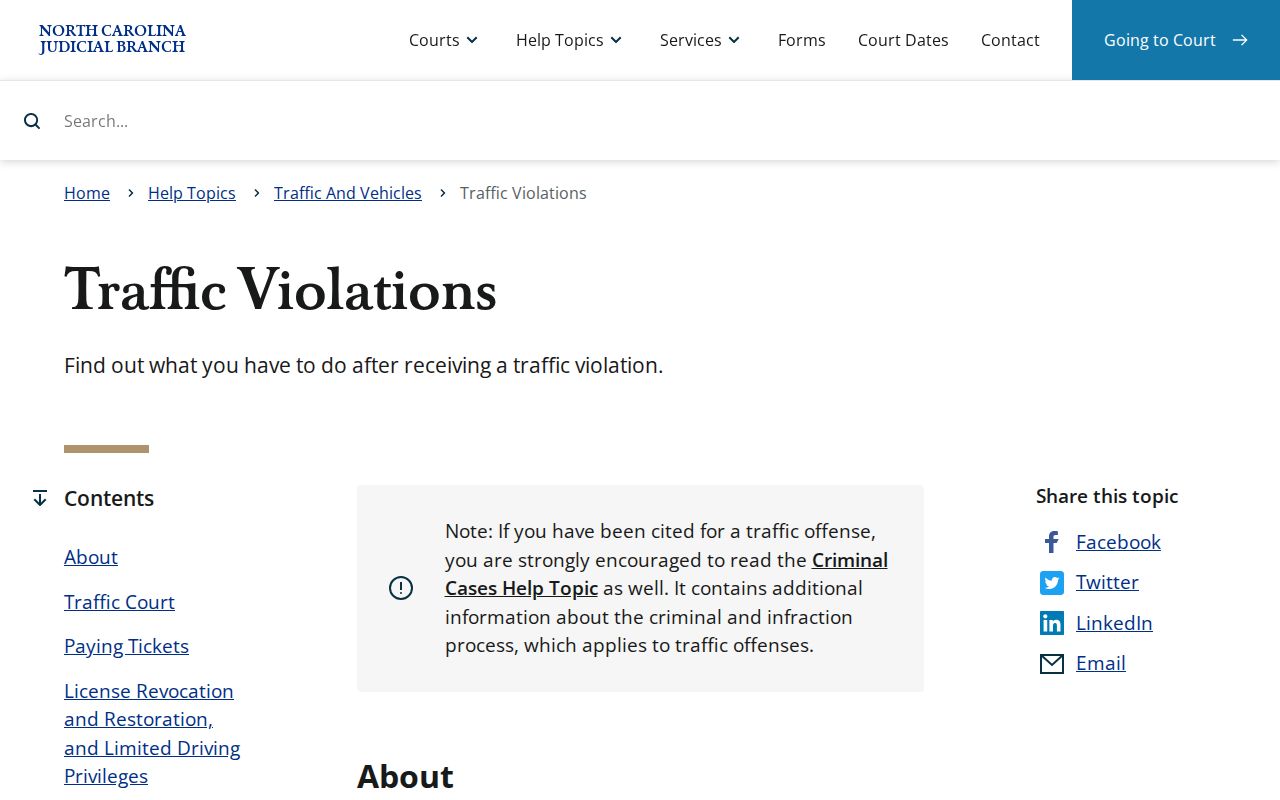
Statewide traffic rules and Harnett's local procedure point the same way. After a missed setting, check the current court record promptly.
Harnett Pre-Odyssey Court Times
Harnett went live with Odyssey on February 13, 2023. Portal guidance offers a heads-up for older matters. Events migrated from before that launch can show a time of 12:00 a.m. Treat that midnight stamp as a conversion clue. It is not proof of an actual midnight court event. For real context, lean on the date, the surrounding Register entries, any hearing rows, and a signed order.
The Harnett eCourts page explains the county's Odyssey, Portal, File & Serve, and public-access setup. Facing an unclear historic time on an older Harnett case? Use the clerk's inspection or copy route. Do not take the display as a literal hearing time. Migration timestamps are best read as one thing: a reason to verify the original record.